
Guest reading progress stays in this browser and is not synchronized to your account automatically. Use the learning panel to include browser marks and save them explicitly. Clearing site data removes browser marks.
Your learning notebook
Save courses and review situations deliberately. Load your account records on another device when you want to continue.
Bookmarks and review choices stay in this browser until you load and save an account. Answers and time spent reading are not recorded.
Saved courses
Saved situations to revisit
Find your marked situations by title or topic, then open the original question and explanation.
Your review choices will appear here when this learning view is ready. Use the account controls above to load account choices.
No situations are marked for review in this learning view.
No saved situation matches these filters. Clear the search or choose all topics.
Identification practice
Land access practice
Field decisions practice
Harvest care practice
Sort a document wallet by purpose, not by appearance ↓
Saskatchewan Hunter Harvest Survey: close each licence record ↓
Beginner workshop · turn reading into a plan
Sort a document wallet by purpose, not by appearance
Lay out the documents for one person and one intended activity. A card, screenshot and receipt can look equally official while answering different questions. Start with the purpose of each item, then check the current requirements with its issuer.
A document-organising exercise, not an eligibility result or a universal carry list. Youth, visitors, supervision arrangements and the activity need their own checks. Keep full identifiers and account credentials out of public notes and group screenshots.
This table scrolls horizontally. Focus it and use the arrow keys to reach every column.
| Item to identify | Question it helps answer | What to check next |
|---|---|---|
| HAL account / HAL ID | Which provincial licence-service account is mine? | Open the actual licence record; do not stop at the account profile. |
| Hunter Education evidence | What recognized training can I document? | Match the participant’s circumstances to the provincial instructions. |
| PAL / applicable firearms arrangements | What federal firearms requirements apply to my role? | Use RCMP guidance separately from hunting-licence requirements. |
| Provincial hunting document | Who, which species or category, what period and which conditions? | Read the actual licence and any applicable certificate, seal or ledger instructions. |
| Federal migratory bird permit | What federal document check applies to the intended bird activity? | Read ECCC’s current summary alongside the provincial requirements. |
| Payment receipt / confirmation message | What transaction took place? | Find the document or item it refers to and verify its holder and conditions. |
Work through a change
A wallet contains a PAL, a HAL profile and a payment receipt. Is the check finished?
No completed check is established by that list. Locate the actual hunting documents and read the holder, species or category, dates, place and conditions. Find what the receipt refers to instead of treating every screenshot as interchangeable.
Prepare a private index with the item’s name, where it is kept and the unresolved check. You can ask a mentor to review the purposes without sending them full document numbers or passwords.
A visiting friend joins an otherwise familiar outing. Can you reuse your own list?
Use a separate row for the friend. Record the activity and the residency, training and firearms questions to ask the responsible authority; another person’s documents do not settle them.
Confirm the answer before relying on a licence category or buying further trip equipment. If the friend’s role changes from observing to hunting, reopen the participant and activity checks.
How do you make the final check useful on the morning of the trip?
Ask each participant to identify their actual documents and required physical items, and show that any electronic files open on the device being carried. Do not move a required physical item into the other vehicle while reorganising luggage.
Write a short unresolved question with the official source beside it. A blank item remains a task for the issuing service, not a box to tick because the group wants to leave.
Saskatchewan Hunter Harvest Survey: close each licence record
List each purchased licence before opening the survey. Rowan’s fictional worksheet separates activity, missing information and reporting tasks, keeping unfinished work visible.
Original preparation exercise, not a submitted survey or receipt. Keep licence details private and answer officially. Examples do not determine obligations or replace a harvest ledger.
Connect licence records to official reporting
- List each licence
Match category and year to the actual document.
- Read its dates
Distinguish survey availability, deadline and hunting season.
- Sort your records
Keep activity, harvest and unresolved entries separate.
- Complete and verify
Use the official route and check what it actually returned.
Focus the table; arrow keys reveal all four columns.
| Licence line | Known activity | Still to check | Next task |
|---|---|---|---|
| Licence A | Purchased; did not hunt. | Survey and deadline. | Report the no-hunt activity. |
| Licence B | Hunted; no harvest. | Requested activity details. | Distinguish no harvest from no hunting. |
| Game Bird line | Outings recorded; more planned. | Whole-season entries and survey dates. | Reconcile notes before completion. |
| Licence C | Private draft saved. | Official submission outcome. | Check the official record. |
A five-minute review
- Place licences beside a blank sheet and connect each outing note to its line. A duplicate photograph is not another licence. Keep missing details unresolved instead of copying a neighbouring entry.
- The province lists HAL’s Hunter Harvest Surveys tab, the SK Hunt & Fish App or ASPIRA at 1-888-773-8450. Compare the displayed licence and year before submitting; ask the service about mismatches.
Work through three reporting decisions
Hunter Harvest Survey: I bought a licence but did not hunt
The provincial reminder requires a survey per purchased licence, even without hunting or harvest. Section 31.4 requires those subject to a survey condition to complete and return it by the specified date.
Rowan omits a licence because there was no trip. Restore its line, read the questions and answer honestly. Another licence used without success involves different activity; an empty harvest entry does not mean no hunting.
Next step: Check each applicable licence, including the unused one.
The Game Bird survey is available, but more outings are planned
The detailed page says to finish the Game Bird season before completing its survey. Provincial counts concern upland species by WMZ; waterfowl participation is also asked, while waterfowl harvest is captured federally.
Connect notes to species and location; reconcile overlaps and uncertain entries. Ledger, private tally and federal survey have different jobs. Do not derive a future spring reporting date or an open hunting season from the current survey table.
Next step: Check the survey window and unfinished-season question before completion.
A draft was saved. Has the official reporting task finished?
Rowan ticks a private checklist after drafting answers. That demonstrates preparation, not official receipt of a completed survey. A reminder email proves neither completion nor exemption.
Review the official outcome for the matching licence. Keep what the service provides; never invent a confirmation number. Ask the service about unclear status or corrections rather than submitting invented details.
Next step: Separate the draft from the official completion check.
Reporting references checked: Official pages and section 31.4 checked. The PDF is a reference consolidation; original enactments govern. Guide download unavailable; no new complete season-table audit claimed.
Hunter Harvest Survey deadlines: availability and the fee notice
The listed 2026–27 Big Game/Game Bird surveys end January 20, 2027; starts differ. Listed Furbearers surveys end April 30, 2027. Read your licence and HAL requirement; January 20 is not universal.
The 2026 notice describes a $15 charge at the next hunting-licence purchase the following year after a required survey is missed. This is neither substitute reporting nor your fee assessment.
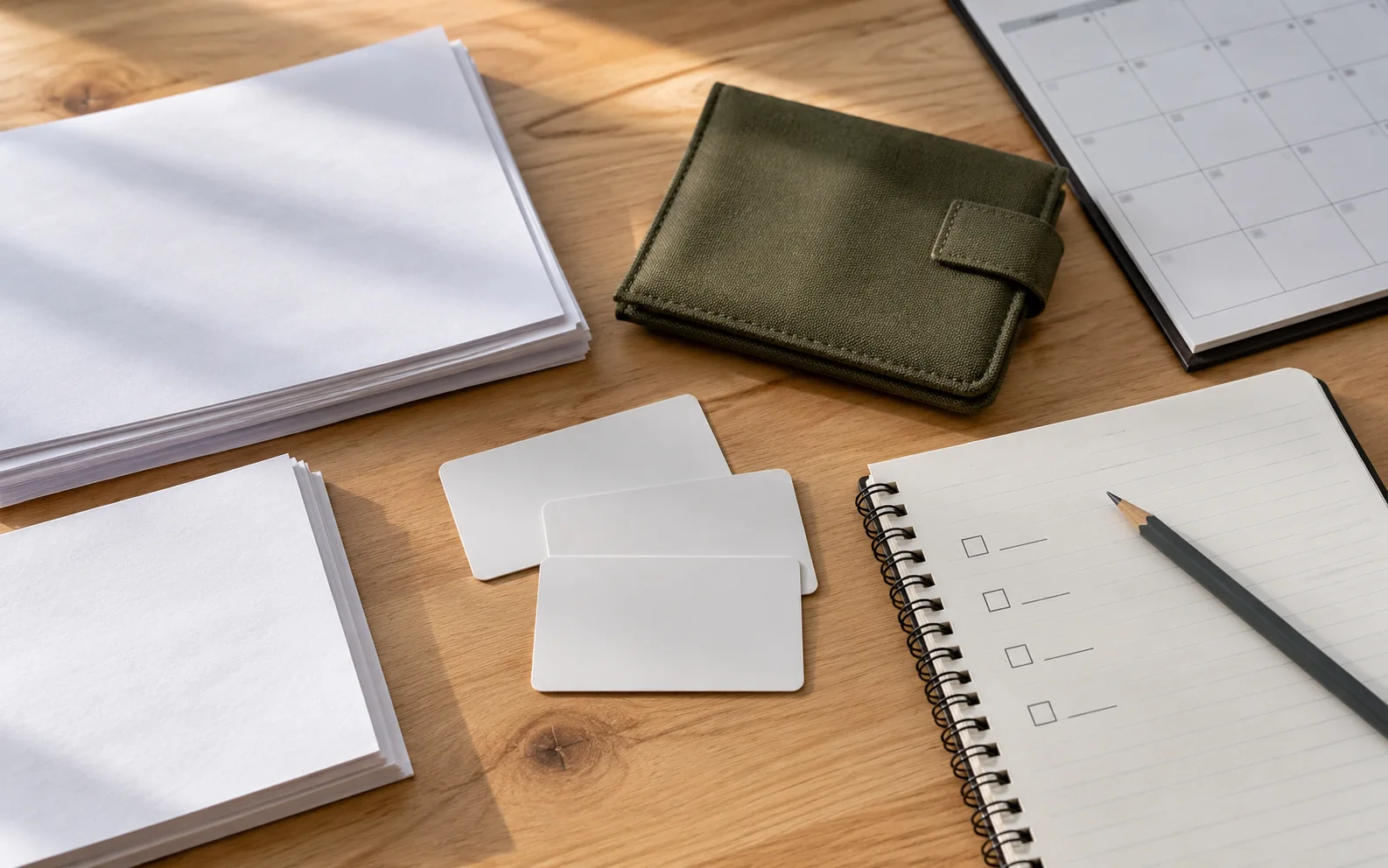
Original AI-generated photo-style teaching scene for SKHunter; depicted people, documents and maps are illustrative.
Image credit: SKHunter · original AI-generated photo-style imageWhat you will learn
- Build a document list around a person and activity.
- Check a document without exposing private identifiers.
- Recognise which change requires a fresh requirements check.
An original SKHunter learning guide
Keep three different questions separate
Teaching diagram · not a map- 01The land
Who can authorise this visit, and what conditions apply?
- 02The hunt
Do the current species, zone, date and personal licence conditions match?
- 03The approach
Can you reach the place and return by a checked, lawful route?
A favourable answer to one question does not answer the other two. Keep the evidence for each check.
Make a person–activity matrix
Create one row for each participant and one column for each planned activity. Include an observer or companion instead of assuming everyone has the same role. Next to each row, record the circumstances you need to check with the issuing authority: residency category, age, education, species and intended dates.
Beside the matrix, keep a short list of official questions rather than guessing the answer from another hunter’s documents. A friend’s successful purchase demonstrates their transaction, not your eligibility. This is especially useful when the group includes visitors or younger participants whose circumstances differ from the organiser’s.
Audit the documents in a fixed order
Check the holder’s name first, then the document’s purpose, species or category, applicable period, and any attached instructions. Keep different purposes on separate lines so a payment receipt or website account is not mistaken for a required document. Use the current official instructions for what must be carried and in what form.
Make a private packing index containing document names and storage locations. You do not need to copy full identifiers into a group chat or a public screenshot. Test that electronic files open on the device you will carry, and keep any required physical items with the trip kit rather than in a different vehicle.
Run a change check before each outing
A saved document checklist is a starting point. Compare this trip with the previous one: participant, activity, species, destination, date and method. Highlight every changed field and revisit the related official instructions. This is quicker and clearer than assuming last month’s arrangement covers the new outing.
Save the official page address and the date you consulted it, then write your own short question or conclusion beside it. If the information conflicts or you cannot match a category, contact the responsible service. Keep the item unresolved until you have a usable answer; a completed purchase is not a review of every trip condition.
Worked example: two people, different roles
You and a visiting friend plan a day outside. One intends to hunt; the other plans only to observe. Your old checklist was made for a different person and activity.
Put it into practice
- Make separate rows describing each person’s actual role.
- Check each row against current official requirements rather than copying your documents.
- Keep personal documents private and share only the logistics the other person needs.
- Repeat the check if the observer later decides to participate in hunting.
Four checks before the field
A 36-second photographic motion explainer with gentle camera movement, four clear chapters and large on-screen words. Silent; optional captions and a transcript are available.
Choose a section or use the player controls. A text transcript is available below.
Read the video transcript
- 0:00
Start with the parcel — Identify the exact land and the surrounding approach.
- 0:09
Check land permission — Confirm who may enter, when, and under which conditions.
- 0:18
Read the complete season row — Match species, zone, licence and date. Read the attached notes.
- 0:27
Verify a usable route — A parcel pin is not an entrance. Keep a checked fallback.
Common mistakes to avoid
Using one person’s situation for the whole group
Write a separate row whenever participants have different circumstances.
Confusing an account or receipt with a licence
Read the document’s purpose and current carrying instructions.
Sharing full document photos unnecessarily
Use private storage and share only the information needed.
A companion changes from observing to intending to hunt. What should happen?
- Keep the original observer checklist.
- Use the organiser’s document list unchanged.
- Recheck that person’s requirements for the new activity.
Show the answer and explanation
Answer: C. Recheck that person’s requirements for the new activity.
The role changed, so the relevant requirements must be checked for that individual. A group plan does not make everyone’s circumstances identical.
Current checks and official context
Write down your circumstances first
Record your residency category, age, intended species, hunting dates and proposed WMZ. These details help you select the correct rules; where you are staying for the weekend does not by itself settle your residency category. Check the official definition and ask the licensing authority if you are unsure.
- Check hunter-education and youth conditions.
- Check whether the opportunity is a draw, regular licence or another specific arrangement.
- Use the official purchase service linked from Saskatchewan’s hunting page.
Separate the documents by purpose
HAL is the provincial licence-account system; online purchases require an account. Provincial hunting documents, any required federal migratory-bird documents, and firearms authorisations serve different purposes. Do not assume one replaces the others. Use the current species table and licence instructions to prepare your own document list.
- Check the year, species and personal details on each document.
- Review any seals, ledgers, reporting conditions and licence-specific instructions.
- For migratory birds, open the current federal Saskatchewan summary as well.
Check before travel, then keep a usable copy
Open saved PDFs before leaving to confirm that they work without reception. Keep required original items or permits in the form specified by the issuing authority. Record the official support contact and address any mismatch before hunting; an SKHunter account is a planning account and does not issue a licence.
Turn this lesson into your next outing
Review the date, species, starting template and linked day plan in an editable preparation draft. You choose what to add and save.
Prepare your own trip
Review a preparation draftContinue learning
Your first Saskatchewan hunt: a practical starting planTry a practical situation
A group summary and an individual surveyOpening a draft does not create a saved checklist. A checked item records your own review, not permission or an open season.
Scenario practice
Put your field decisions into practice.
Try 24 situations across identification, access, field adjustments and harvest care. Compare your choice with the explanation, then revisit the relevant lesson.
Original sources
- Government of Saskatchewan · Hunting and licence services
- Government of Saskatchewan · Hunters Guide and updates
- Environment and Climate Change Canada · Saskatchewan migratory-bird summary
- Royal Canadian Mounted Police · Firearms safety and licensing
Use this as a planning guide. Check current official requirements and site conditions before travelling.
Help improve this guide
Tell the editor about something on this public page that needs attention.